Canva for ESL Teachers: 2026 Honest Review
I teach at a cram school in Taipei, and the first time I tried to sign up for the free Canva for Education plan, I got rejected within about ten seconds. No K-12 institutional email, no manual override. That’s the reality of Canva for ESL teachers across most of the world — people working at buxibans, private language academies, online tutoring platforms, and adult conversation schools who read “free for teachers” and assume it includes them. It usually doesn’t.

What Canva for Education Actually Is
Strip away the marketing and Canva for Education is the full Canva Pro toolkit — premium templates, stock photos, Magic Studio AI features, roughly 1TB of storage — handed out at no cost to teachers who can prove they work at a K-12 school. Canva built this specifically to compete with Google Slides and Microsoft PowerPoint in classrooms, and it shows: the template library runs over 80,000 items organized by subject and grade band, and there’s direct integration with Google Classroom, Microsoft Teams, and Canvas LMS.
For the people who do qualify, it’s a strong deal. You get the same design engine freelance graphic designers pay for, repackaged with worksheet templates, lesson slide decks, and classroom poster sets already built. The question that matters for most readers of this site isn’t “is it good” — it’s “can I even get it.”
The Features That Actually Help ESL Lesson Prep
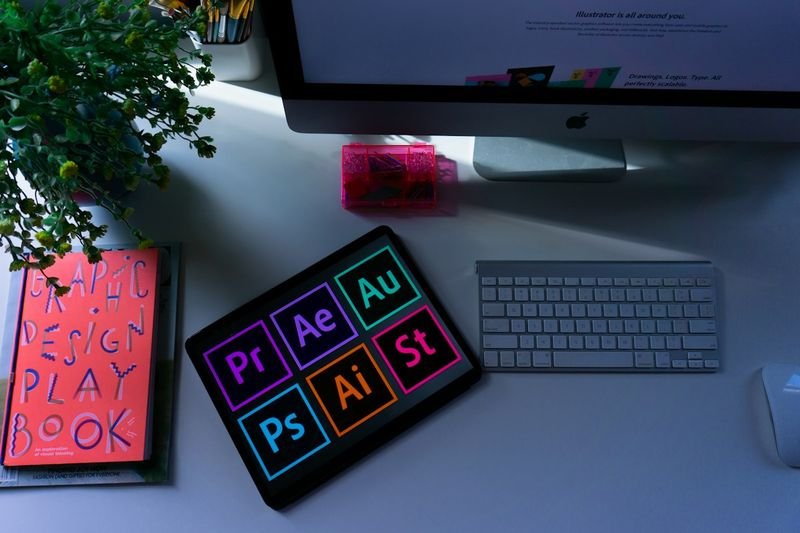
Magic Write drafts text from a prompt — type “write 5 beginner-level comprehension questions about a trip to the night market” and it spits out a rough draft you can edit, which beats staring at a blank worksheet template at 11 PM. Magic Design rebuilds a single template into a dozen visual variants automatically, so one vocabulary worksheet becomes a poster, a slide, and a printable flashcard set without redoing the layout three times. Magic Resize handles the tedious part of turning an A4 worksheet into a 16:9 slide for the projector, which otherwise means manually dragging every text box.
None of these are exclusive to the Education tier — they’re the same Magic Studio tools bundled into regular Canva Pro. That matters, because it means the free Education plan and the paid Pro plan are functionally identical in capability. The only thing you’re paying for if you don’t qualify for free access is the access itself, not a lesser product.

Who Actually Qualifies for the Free Plan
Canva restricts the free Education tier to active, certified teachers at primary or secondary schools, plus their enrolled students through teacher invitation only. Verification runs on a school email domain where possible; without one, Canva asks for manual proof of teaching credentials, a process that can take several days and has to be renewed roughly every three years.
- Verified K-12 public or accredited private school teachers — eligible
- K-12 librarians, curriculum specialists, and learning support staff — eligible
- College and university faculty — not eligible (Canva for Campus is the paid equivalent)
- Homeschool parents without a recognized teaching credential — not eligible in most regions
- Adult education and continuing education instructors — not eligible
- Private tutors, language centers, and cram schools — not eligible
That last category covers a large share of ESL teachers reading this. If your paycheck comes from a private institute rather than a school district, Canva’s own eligibility page doesn’t mention your job title at all.
The Gap Most Canva for ESL Teachers Reviews Miss
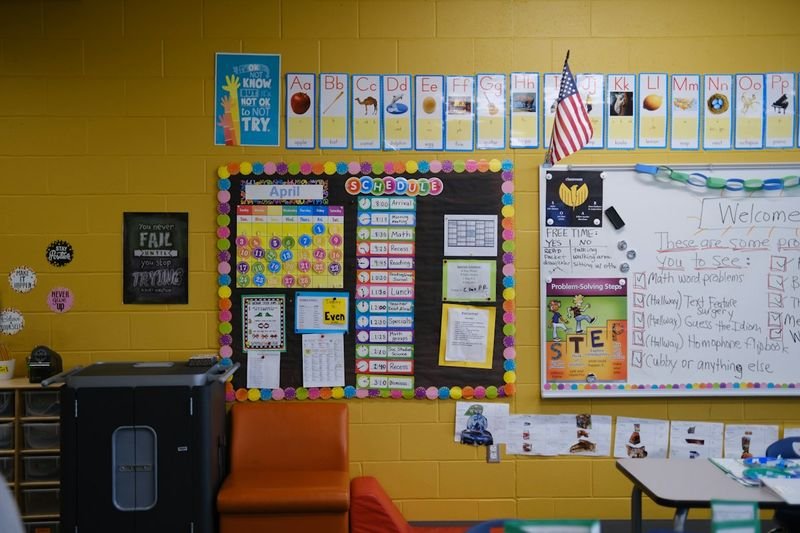
Most “Canva for Teachers” roundups treat the free tier as universal teacher access, because the people writing them are usually K-12 classroom teachers in the US or UK school system. They’re not wrong about their own experience — they’re just not writing for a cram school instructor in Taipei, a private English tutor in Dubai, or someone running one-on-one adult conversation classes over Zoom. Those are enormous parts of the global ESL workforce, and Canva’s eligibility rules were never written with them in mind.
I don’t think that’s a flaw in Canva’s product so much as a blind spot in how it gets reviewed. If you’re in one of those roles, don’t waste twenty minutes trying to get your institute’s generic Gmail address verified — it won’t clear the check, and the appeal process asks for documentation most private employers don’t issue.
What It Actually Costs If You Don’t Qualify
Canva Pro runs about $15 a month billed annually, or closer to $18 month-to-month, which gets you the identical Magic Studio toolset, premium template library, and 1TB of storage the K-12 version includes — just without the classroom-management layer like assignment handoffs and bulk student invites, which most private tutors don’t need anyway. There’s no separate “cram school” or “language center” pricing tier, and no nonprofit discount unless your employer is a registered educational nonprofit, which most private institutes aren’t.
Weighed against buying individual stock photos or template packs elsewhere, $15 a month is still cheap for unlimited premium assets. It’s just not the zero-dollar deal the headlines promise, and budgeting for it up front beats getting surprised when the free trial ends.

Canva vs. Google Slides for ESL Materials
Google Slides is free for everyone regardless of employment status, which makes it the honest baseline comparison for private ESL teachers. Where Canva pulls ahead is template quality and speed — a Canva worksheet template already has the visual hierarchy, icon set, and color scheme solved, where a Slides deck starts from a blank or barely-styled layout. Where Slides pulls ahead is real-time collaborative editing with students and zero cost, no exceptions, no verification.
My actual workflow after switching institutes mid-year: draft the lesson structure in Slides because it’s free and collaborative, then rebuild the final visual version — the flashcards, the printable worksheet, the slide backgrounds — in Canva Pro because it looks far more polished in about a third of the time. Paying for Canva only on the visual-production side, not the planning side, is how most paying ESL teachers I’ve talked to justify the subscription.

A Quick Workflow If You’re Starting From Zero
Search the template library for your material type first — “ESL vocabulary flashcards” or “classroom reading worksheet” pull hundreds of pre-built layouts, which saves more time than starting from a blank canvas. Duplicate one, swap in your content, and use Magic Resize if you need the same design as both a printable and a slide. For recurring materials — a weekly vocabulary worksheet, say — save your edited version as a template so next week’s prep is a ten-minute swap instead of a rebuild.
Export as PDF for anything going to print, and keep a shared folder of your finished designs organized by unit or theme. That folder becomes your own personal template library within a semester, which is worth more long-term than any single feature Canva ships.
The Verdict
Canva for Education is an excellent deal if your job title gets you through the door — but that door is narrower than the marketing suggests, and it’s closed to a large share of the global ESL teaching world. If you teach at a cram school, run private tutoring sessions, or work adult education, skip the verification attempt and budget for Canva Pro directly; the tool itself is worth the $15, even if the word “free” in every other review doesn’t apply to you.
Looking for more classroom tech worth your time? Our Quizlet review and Padlet review cover two other tools that, unlike Canva, are free regardless of where you teach.
Common Questions From ESL Teachers
Is Canva free for ESL teachers in Taiwan or other non-US school systems? Only if you’re verified staff at an accredited K-12 school recognized in Canva’s system — public or private, any country. A buxiban, private language center, or franchise English school doesn’t count, even if the teaching is identical to what happens in a public classroom.
Can an international school get Canva for Education? Yes, as long as the school is an accredited K-12 institution and the teacher applying has a verifiable staff email or can supply documentation. International schools generally clear verification faster than private tutoring businesses because they already look like conventional schools on paper.
Does the free trial of Canva Pro count as Canva for Education? No. Canva runs a standard 30-day Pro trial for anyone, which has nothing to do with teacher status and reverts to a paid subscription automatically unless canceled. Don’t mistake a trial confirmation email for an approved Education account.
Is there a cheaper option than full Canva Pro for occasional use? Canva’s free tier (no Pro, no Education) still includes thousands of templates and the core editor — it’s missing Magic Studio AI tools and the premium asset library, but for teachers who only need basic worksheets a few times a month, the free consumer tier can cover it without a subscription at all.
Sources
- Canva for Teachers — official eligibility page — Canva’s own eligibility and verification requirements for the free Education plan
- Canva for Education in 2026: What the Free K-12 Plan Actually Delivers — breakdown of who qualifies and who doesn’t under the current K-12 verification rules
- Canva for Education Review 2026 — independent review of features, strengths, and eligibility boundaries







 NN
NN  EN
EN  ZH
ZH  ZH_CN
ZH_CN  KO
KO  VI
VI  FR
FR  AR
AR  ES
ES  HI
HI  PT
PT  BN
BN  RU
RU  JA
JA  TR
TR  DE
DE  IT
IT  PL
PL  ID
ID  TH
TH  FA
FA  UK
UK  TL
TL  HE
HE  UR
UR  SW
SW  RO
RO  NL
NL  MS
MS  TA
TA  PS
PS  HU
HU  EL
EL  SV
SV  NB
NB  DA
DA  CS
CS  SR
SR  AM
AM