
How to Prompt an AI Lesson Plan Generator for Your ESL Level
Type “create a lesson plan for intermediate ESL students” into any AI tool and you’ll get something back in seconds. It will have a warm-up, a grammar point, some practice activities, and a wrap-up. It will also be almost useless the moment you try to teach it, because it wasn’t written for your students — it was written for an imaginary average student who doesn’t exist. The gap between a fast AI lesson plan and a good one isn’t the model. It’s the prompt. Teachers who get consistently usable output from an AI lesson plan generator aren’t using a better tool than everyone else; they’re feeding it more specific instructions, and they’re doing it in a repeatable order.
This guide walks through exactly what to put in a prompt so the plan that comes back actually fits your class — the level, the skill focus, the timing, and the exam requirements your students are working toward. None of this requires a premium tool or a coding background. It requires knowing what information the generator needs and being disciplined about giving it every time.

Why generic prompts produce generic plans
An AI language model doesn’t know your class unless you tell it. When a prompt says only “intermediate,” the model has to guess what that means, and it will default to the most statistically common interpretation of that word across everything it was trained on. That’s usually a CEFR B1 learner in a generic adult education context — not your fourteen exam-focused teenagers in Taipei, not your mixed-ability company class prepping for a TOEIC score jump, not your beginner-heavy weekend group that needs everything explained twice in simpler language.
Every piece of context you leave out gets filled in with an assumption, and assumptions are where AI-generated lesson plans go wrong: activities pitched at the wrong level, timing that doesn’t match your actual class length, vocabulary that’s either too easy to be worth teaching or too advanced to be usable. The fix isn’t a smarter AI. It’s a prompt that doesn’t leave room for assumptions.
Start with the CEFR level, not a vague label
“Intermediate” means different things to different platforms. The Common European Framework of Reference for Languages (CEFR) gives you a shared vocabulary that most AI models have been trained to understand precisely — A2, B1, B2, C1 — because it’s a widely documented, internationally recognized standard. Naming the exact CEFR band, rather than a loose label like “intermediate” or “upper-level,” is the single highest-leverage change you can make to a prompt.
Go further than the level itself. Tell the generator what your students can already do and what they consistently struggle with. “B1 learners who can hold a conversation about daily routines but freeze up when asked to give opinions or explain reasons” gives the AI a functional target, not just a label. It can now select grammar structures and speaking tasks that close that specific gap instead of reviewing skills your class has already mastered.
Give it the shape of your actual class
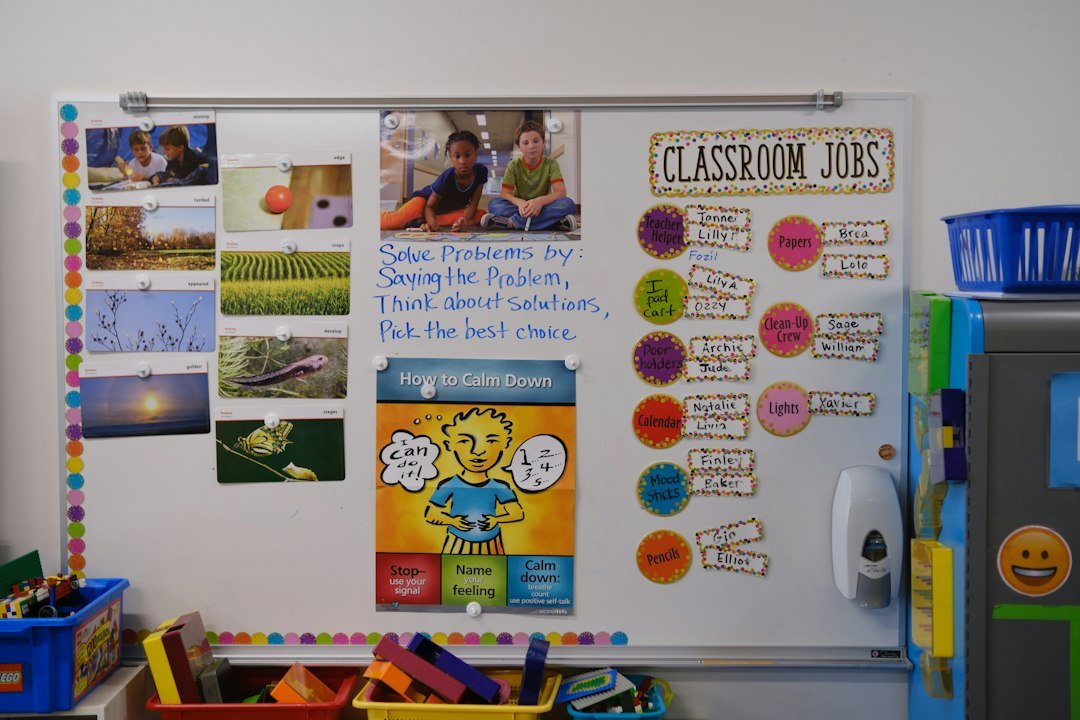
A lesson plan generator has no idea whether you’re teaching six adults around a boardroom table or thirty-two teenagers in rows of desks unless you tell it. Class size and setting change which activities are even physically possible. Pair work and rotating stations fall apart with thirty-plus students and one teacher; they’re the obvious choice with eight. A prompt that specifies group size, room setup, and available materials — whiteboard only, or a projector and internet access — lets the AI design activities you can run today rather than ones you have to redesign on the spot.
Time matters just as much. “50-minute lesson” and “90-minute lesson” are not the same request scaled up — they change the entire structure. A 50-minute class needs a tight warm-up, one clear target, and a single extended practice activity. A 90-minute class can hold a warm-up, a presentation phase, controlled practice, and freer practice without feeling rushed. State the exact minutes you have, and if you want a minute-by-minute breakdown, ask for it explicitly — most generators will only give you loose section headings unless you request timing per stage.
Name the skill you’re actually targeting
“Improve their English” is not a lesson objective an AI can plan against. Every good ESL lesson has one dominant skill focus — listening comprehension, speaking fluency, a specific grammar structure, exam-format writing — and naming it changes which activity types the generator reaches for. Ask for a lesson built around listening for gist and you’ll get audio-based tasks and prediction exercises. Ask for one built around speaking fluency and you’ll get information-gap activities, role-plays, and timed discussion tasks instead.
If you’re prepping students for TOEIC or IELTS, say so directly and name the specific section. “IELTS Speaking Part 2 — long turn, two-minute response with a cue card” produces a fundamentally different plan than “IELTS Speaking” alone, because Part 2 has its own format, timing structure, and assessment criteria that the model can only apply if you’ve told it which part you mean. The same is true for TOEIC’s reading comprehension versus its photograph-description listening section — they train completely different sub-skills, and a generator asked for “TOEIC prep” without a section will default to a generic mix that doesn’t drill either one effectively.
Build in a correction pass
The best AI-generated lesson plans in circulation weren’t produced in one prompt. They were produced in two or three. The first response is a draft, and treating it as anything more will guarantee you inherit its mistakes. Read it the way you’d read a plan a student teacher handed you: is the timing realistic, is the grammar explanation actually correct, does the practice activity match the level you asked for, and does the final task genuinely require the target language or could a student complete it without using it at all?
When something’s off, don’t start over — correct it in place. “The role-play in stage three is too advanced for B1, replace it with a controlled information-gap activity using the same vocabulary” gets you a fixed plan in one follow-up message. This iterative pass is where an AI lesson plan generator earns its place in your workflow: not as a tool that writes the final plan, but as a fast first draft you refine with your own classroom judgment, which no model has.
Add cultural and classroom context the model can’t guess
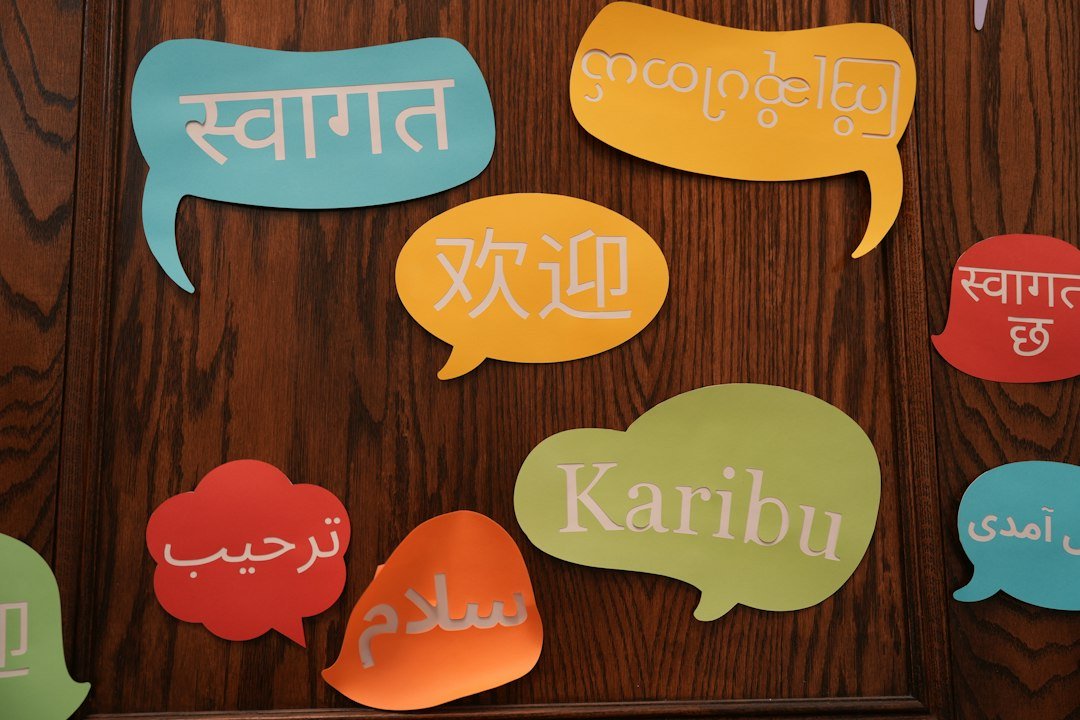
Examples that don’t land with your students waste practice time even when the grammar target is correct. A restaurant role-play built around tipping culture falls flat in classrooms where tipping isn’t practiced. A discussion prompt about American college life won’t generate much output from students who have no frame of reference for it. Telling the generator your students’ home country, age range, and general interests lets it swap in scenarios your class can actually engage with — ordering food at a night market instead of a diner, talking about cram school schedules instead of American summer break.
This is a small addition to a prompt, but it’s the difference between an activity students complete because they have to and one they complete because they have something to say.

A prompt template you can reuse
Once you’ve identified the variables that matter — level, class size, time, skill focus, exam target, and student context — you can turn them into a template you reuse for every plan instead of rebuilding the request from scratch each time. Something close to this works well:
“Create a [length]-minute ESL lesson plan for [CEFR level] students who can [specific ability] but struggle with [specific gap]. Class size is [number], setting is [room/materials]. Skill focus is [listening/speaking/grammar/writing], targeting [specific exam section if applicable]. Students are [age range] from [country/context], interested in [topics]. Include timing for each stage and a clear final task that requires using the target language.”
Fill in the brackets once per class group and save it. The next time you need a plan for that class, you’re editing one line — this week’s grammar point or skill focus — instead of writing the whole context again. That’s the actual time savings an AI lesson plan generator offers: not the first plan, which still needs a correction pass, but the fifth and the fiftieth, which take thirty seconds each because the generator already knows who it’s writing for.
Where AI plans still need a human check
Even a well-prompted plan needs a teacher’s eyes on it before it reaches students. AI models can misstate grammar rules confidently, invent statistics or facts to fill out a reading passage, or suggest timing that only works if every student answers instantly and no one asks a question. None of these errors are rare, and none of them announce themselves — the plan will read as clean and well-structured either way.
Treat the output as a strong first draft from a capable but unsupervised assistant. Check any factual content in reading passages, verify grammar explanations against a reference you trust, and mentally walk through the timing with your actual students in mind rather than an idealized class that never goes off-topic. The prompting techniques above will get you dramatically closer to a usable plan on the first try — they won’t replace the final read-through, and they’re not meant to.

Putting it together
An AI lesson plan generator is only as specific as the prompt behind it. Teachers who get generic, unusable output are almost always giving it generic, unspecific instructions — a level label instead of a CEFR band, a vague skill instead of a named exam section, no mention of class size, time, or who the students actually are. Fix those five inputs, add one correction pass to catch factual or timing errors, and the same tool that used to hand back a plan you’d rewrite from scratch starts handing back one you can walk into class with.
Surse
- Council of Europe — Common European Framework of Reference for Languages (CEFR)
- Consiliul Britanic
- Cambridge English
- Edutopia






 RO
RO  EN
EN  ZH
ZH  ZH_CN
ZH_CN  KO
KO  VI
VI  FR
FR  AR
AR  ES
ES  HI
HI  PT
PT  BN
BN  RU
RU  JA
JA  TR
TR  DE
DE  IT
IT  PL
PL  ID
ID  TH
TH  FA
FA  UK
UK  TL
TL  HE
HE  UR
UR  SW
SW  NL
NL  MS
MS  TA
TA  PS
PS  HU
HU  EL
EL  SV
SV  NB
NB  NN
NN  DA
DA  CS
CS  SR
SR  AM
AM