
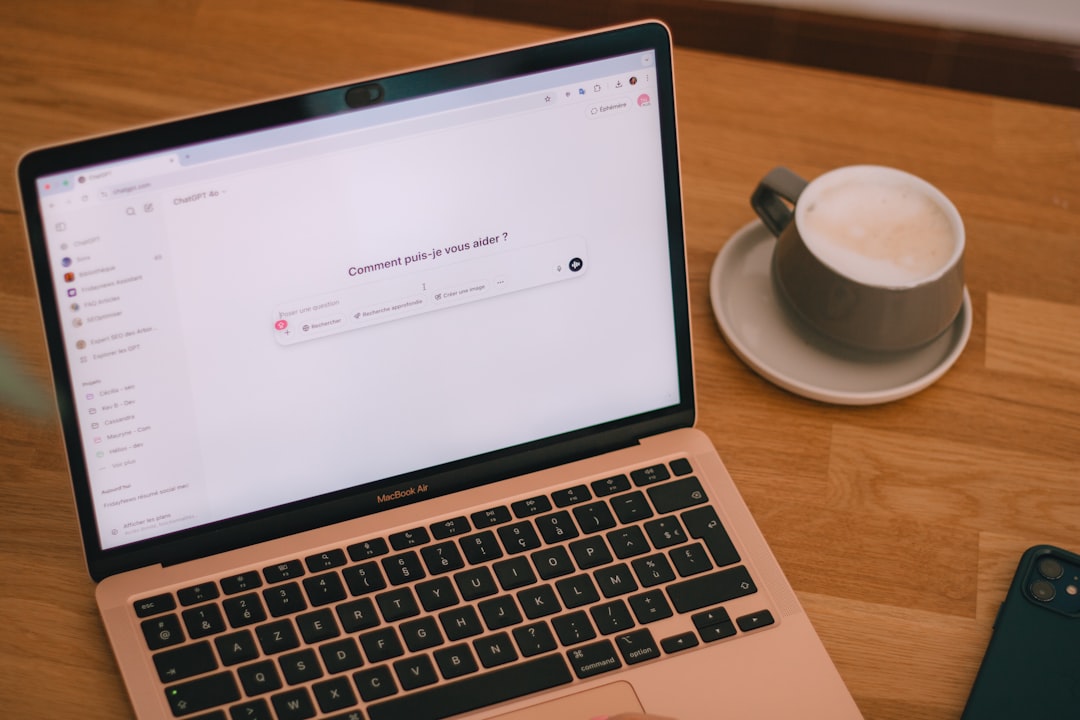
ChatGPT Self-Correction Routines for L2 English Learners
Teachers know the frustration. A student writes “She go to school yesterday” five lessons in a row, and your red pen ink is running low. With ChatGPT, our L2 learners — students at roughly CEFR A2 level — finally have a patient, twenty-four-hour grammar coach. But only if we teach them how to use it. Most A2 students copy a sentence, hit enter, and get a wall of native-speaker English they cannot decode. This article is a practical workflow you can hand to your students next week, designed to fix both written grammar and spoken mistakes without the AI doing all the thinking for them.
What “L2” Means Here and Why ChatGPT Suits This Level
In this guide, “L2” refers to learners around CEFR A2 — elementary to pre-intermediate. They produce simple sentences about familiar topics, manage routine exchanges, and read short clear texts. They also make consistent errors with verb tense, articles, prepositions, and word order, and they struggle to notice their own mistakes when speaking. ChatGPT is a strong fit for this level for four reasons. It can rewrite a learner’s sentence at A2 if instructed to, it gives one-line explanations that do not overload working memory, it transcribes voice input through the mobile app, and it is available outside class hours when most real learning consolidates.
The catch is that ChatGPT defaults to native-speaker English. Without a clear prompt, it gives A2 students Shakespeare. Our job is to teach them the right starter prompts they can save once and reuse forever.
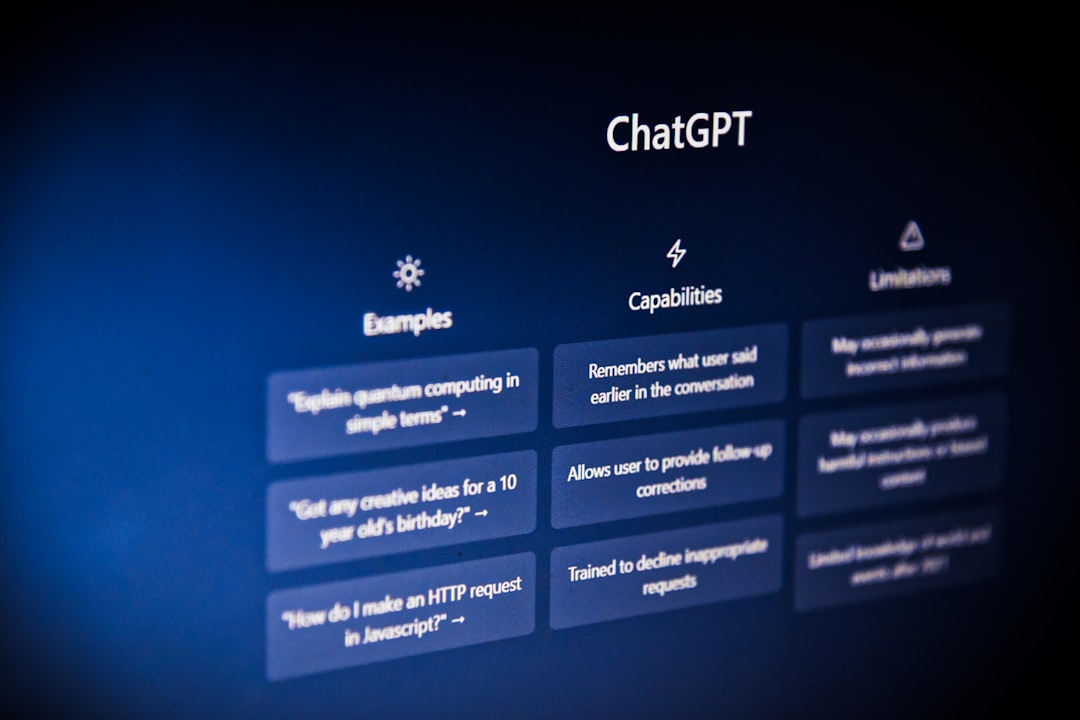
The Grammar Correction Workflow for L2 Students
Teach the following three-step routine. I print it on a half-page handout and tape it inside every L2 student’s notebook on day one of the unit.
Step 1 — Paste with Context
The student types or pastes one or two sentences they wrote that day. Before they hit send, they include a single context line.
I am an A2 English learner. Please reply in A2-level English with short sentences.
This one line changes the entire register of ChatGPT’s response. Without it, the AI assumes a native-speaker audience and reaches for vocabulary your students have not met yet.
Step 2 — Ask for the Fix, Then the Rule
We want students to learn, not just copy. The prompt should ask for two things: the corrected sentence and a short, plain-language rule.
Fix the grammar in this sentence: “She go to school yesterday.” Then explain the rule in one sentence using simple words.
ChatGPT will respond with something like:
- Corrected: She went to school yesterday.
- Rule: Use “went” (past tense of “go”) for finished actions in the past.
Step 3 — Try Again with a Different Sentence
The student now writes a new sentence applying the rule. They paste it back. ChatGPT confirms or corrects. This three-step loop — paste, rule, retry — is the difference between using ChatGPT as a crutch and using it as a coach. The retry stage is the one most students skip on their own, so it is the one teachers must enforce.

The Speaking Mistakes Workflow
Speaking errors are harder to capture because they vanish in the moment. The ChatGPT mobile app’s voice mode solves this. Teach students this two-stage routine.
Stage 1 — Record and Review
The student opens ChatGPT’s voice mode and answers a question for thirty to sixty seconds. For example: “Tell me about your weekend in three sentences.” After the recording, ChatGPT shows a transcript of what it heard. That transcript is gold for both teacher and learner: every false start, wrong tense, and missing article is now visible on the screen, where it can be examined calmly.
Stage 2 — Ask for Targeted Feedback
The student now pastes the transcript and uses this focused prompt.
Below is a transcript of me speaking English. I am A2 level. Please list my three biggest grammar mistakes and one pronunciation issue you can guess from the words. Give one short example correction for each.
Notice the cap at three mistakes. A2 learners cannot process eight corrections in one sitting. Three is the sweet spot — enough to learn from, not enough to overwhelm. The phrase “one pronunciation issue you can guess from the words” matters too: ChatGPT cannot truly hear them, but it can spot patterns where the transcript shows recurring confusions (“sheep” appearing when they meant “ship,” for example).

Three Ready-to-Use Lesson Plan Ideas
You can drop these into a regular L2 class without redesigning your syllabus. Each one runs in ten to twenty minutes.
Idea 1 — The “Three Mistakes Wall”
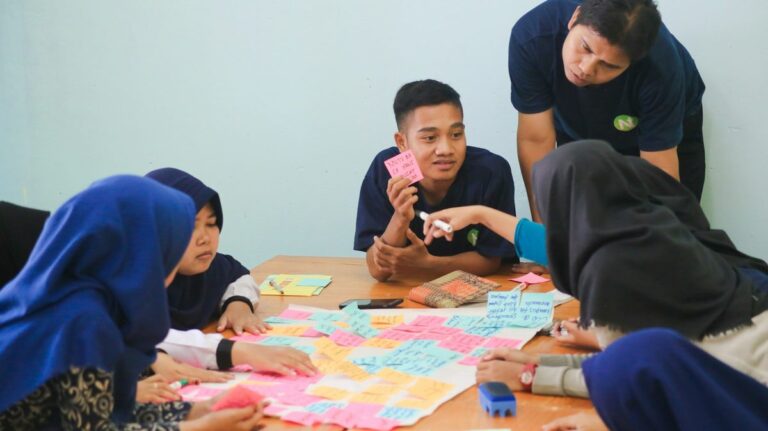
At the end of class, students paste their journal entry into ChatGPT using the grammar workflow above. They write their top three corrections on a sticky note and add it to a shared classroom wall. Review the wall as a class on Fridays. Patterns emerge fast — half the room may share the same article error this week, which is your next grammar mini-lesson, served straight from real student writing.
Idea 2 — Speaking Booth Friday
Set up two tablets in the corner of the classroom. Two students at a time take turns answering ChatGPT voice prompts for two minutes, then run the transcript through the speaking workflow. While they work, the rest of the class continues a regular speaking activity. Rotate every ten minutes. Every student leaves Friday with three corrected sentences they have actually heard themselves say — a far stronger memory anchor than another worksheet.
Idea 3 — Homework Self-Correction Log
Assign students to keep a digital log. Every homework sentence they fix with ChatGPT goes in, with three columns: the original, the correction, and the rule. Twice a week, you review three entries from each student in the first five minutes of class. This replaces the soul-crushing weekend marking session: students do their own first-pass correction, and you switch into pattern-spotting mentor mode.

Common Pitfalls (and How to Fix Them)
Teaching ChatGPT use is not all rosy. These are the four issues I see most often in real L2 classrooms.
Pitfall 1 — Students Copy-Paste Perfect English
Without your guardrails, students paste a paragraph and accept ChatGPT’s rewrite as their own work. The cure is to always require the “rule” output as part of the workflow. If a student cannot explain the rule in their own words during class the next day, the homework does not count. The rule is the proof of learning.
Pitfall 2 — ChatGPT Overshoots the Level
Even with the A2 instruction, ChatGPT sometimes slips into C1 vocabulary. Teach students one rescue prompt they can fire off in five seconds: “That was too hard. Please say it again using only words an A2 learner knows.” Those are the magic words that pull the AI back down to your students’ level.
Pitfall 3 — Pronunciation Feedback Is Indirect
ChatGPT cannot truly hear pronunciation; it only sees the transcript its speech-to-text produces. If a student says “ship” but it transcribes “sheep,” that is actually useful — it means the pronunciation was unclear to a fluent listener too. Frame transcription errors as honest feedback rather than software bugs, and your students will quickly self-correct their tricky vowels.
Pitfall 4 — Privacy Concerns
Some schools and parents are wary of AI tools. Have a one-page privacy handout ready: students should not paste real surnames, home addresses, phone numbers, or the school’s name. First names only, generic locations, no personal identifiers. Most L2 grammar practice is generic enough that this rule is easy to follow once it has been said out loud.

Assessing Whether the Workflow Is Actually Working
The fair test of any correction tool is whether students reproduce the corrections without it. Build a simple monthly check into the routine.
- Pull three sentences from each student’s correction log from week one.
- Have them write three new sentences using the same target structures, no AI allowed.
- Score for accuracy on the specific patterns they “fixed” earlier.
If a student logged five past-tense corrections in week one and can produce three correct past-tense sentences in week four under exam conditions, the workflow is sticking. If not, the rules they collected were probably too abstract — circle back to Step 2 of the grammar workflow and make the rule output even simpler.
For pronunciation tracking, use the ChatGPT transcripts themselves as a baseline. Save a transcript from week one and another from week eight for the same speaking prompt. Reduction in transcription errors (the same words now coming through cleanly) is a soft but useful progress signal. It is not laboratory-grade phonetics, but it is the easiest A2-level progress measure I have found.

A Teacher’s Quick-Start Checklist
Before introducing the ChatGPT correction workflow next week, run through this list.
- Confirm school policy and parent consent for AI tool use in class.
- Decide whether students will use shared classroom tablets, school computers, or personal phones.
- Print the three-step grammar workflow as a half-page handout, one per student.
- Pre-write three starter prompts students can copy without typing the whole context line.
- Schedule the first “three mistakes wall” review for the end of week one.
- Plan a five-minute lesson on the privacy rules (no surnames, no addresses, no school name).
- Block fifteen minutes in week four for the no-AI sentence check.
Часто задаваемые вопросы
Is the free ChatGPT plan enough for L2 students?
Yes. The free tier handles A2-level corrections, voice input, and transcripts comfortably. Paid plans add higher message limits and extra features that are not essential for the correction workflow described here.
What about students who do not have a smartphone?
Use shared classroom devices, browser-based ChatGPT on a school computer, or pair students so one types while the other speaks. The workflow does not require one device per learner — it actually works better as a peer activity at this level.
Should I correct what ChatGPT misses?
Yes, but selectively. ChatGPT misses natural collocations, register shifts, and culturally appropriate phrasing. Save your teacher feedback for those higher-order points and let the AI handle the mechanical verb tenses, articles, and prepositions.
Does this replace teacher feedback?
No. It replaces the third pass of red pen on basic mechanics, freeing you to focus on fluency, meaning, and the patterns AI cannot yet catch. You are still the coach; ChatGPT is the homework partner who never gets tired.

For L2 learners, the gap between knowing a rule and using it in real time is closed only through repeated, low-stakes correction. ChatGPT is the most patient correction partner most of our students will ever meet. Teach them the workflow, set the guardrails, and watch the marking pile shrink while the speaking confidence grows.
Sources and Further Reading
- Кембриджский английский — official CEFR level descriptors, including A2 can-do statements.
- British Council TeachingEnglish — lesson plans and methodology articles for ESL teachers.
- OpenAI — ChatGPT product information and current model capabilities.
- Международная ассоциация TESOL — professional standards and research for English language teachers.
Looking for free ESL worksheets? Browse our full collection — printable resources for every level and age group. Browse Free Worksheets →
Students can access free worksheets and reading materials at 18KEnglish.com.






 RU
RU  EN
EN  ZH
ZH  ZH_CN
ZH_CN  KO
KO  VI
VI  FR
FR  AR
AR  ES
ES  HI
HI  PT
PT  BN
BN  JA
JA  TR
TR  DE
DE  IT
IT  PL
PL  ID
ID  TH
TH  FA
FA  UK
UK  TL
TL  HE
HE  UR
UR  SW
SW  RO
RO  NL
NL  MS
MS  TA
TA  PS
PS  HU
HU  EL
EL  SV
SV  NB
NB  NN
NN  DA
DA  CS
CS  SR
SR  AM
AM