
How to Write ESL Tests and Curriculum With AI in Under an Hour a Week
Most ESL teachers I know spend their evenings doing one of two things: hunting for usable test questions online, or staring at a blank Google Doc trying to write next week’s lesson plan. Both eat hours. Both produce work that’s “fine” but never excellent. The promise of AI is that it shortcuts the grunt work without lowering the ceiling, and for test writing and curriculum design specifically, that promise is finally real. The catch is that pasting “make me an ESL test” into ChatGPT returns a bland, lazy mess. This guide walks through a one-hour-a-week workflow that produces test items and course plans you’d actually be proud to hand a class.
Why AI Misses the Mark on ESL Material by Default
The default output of large language models on ESL prompts is grammatically clean, age-vague, and pedagogically thin. Multiple-choice distractors are usually too obviously wrong. Reading passages drift between CEFR levels mid-paragraph. Cloze items often have multiple defensible answers, which is great for conversation but useless for testing. Curriculum outputs tend to list topics (“Unit 1: Greetings”) without specifying language targets, productive vs receptive skills, or assessment criteria.
These aren’t AI failures, they’re prompting failures. You get average output because you give average input. The fix is structure, not a better model. A teacher who supplies CEFR level, learner background, time budget, and a worked example will get vastly better material from a free tier than a teacher who pastes a one-liner into a paid one. Treat the AI like a clever new teaching assistant: it can do anything if you brief it properly.
The Weekly One-Hour Workflow
This is the rhythm I recommend to every teacher I coach. Split it across the week so you’re never sitting in one big block.
Sunday Night, Curriculum Skeleton (10 minutes)
Open your AI tool. Paste your course goal in one sentence (“By week 12, my pre-intermediate students will hold a 5-minute spontaneous conversation on familiar topics”). Ask the model to break that into 12 weekly learning targets, each tagged with a CEFR can-do statement. Review the list. Edit two or three. Save to your planner.
Tuesday, Lesson Materials (20 minutes)
Pull this week’s target. Ask the AI for a 60-minute lesson skeleton with warmer, controlled practice, freer practice, and exit task. Demand a specific text type for the freer practice (dialogue, info-gap, short reading). Generate the controlled-practice handout in the same prompt. Print, photocopy, done.
Thursday, Test Items (20 minutes)
Ask the AI to convert this week’s target into ten test items: four MCQ, three cloze, two short answer, one productive task. Specify each item format precisely. Eyeball the distractors. Swap any that are too obvious or give the answer away.
Sunday, Review and Edit (10 minutes)
Read your week’s output cold. Cut anything that bores you. Monday morning is ready before you brush your teeth.
Total: 60 minutes a week. Replaces roughly four hours of unpaid lesson prep, in my experience and in the experience of the dozen teachers I’ve watched run this loop.
Aligning Your Curriculum to CEFR Levels
The single highest-leverage instruction you can give an AI is the CEFR level you’re targeting. “A2” or “B1” anchors vocabulary range, grammatical complexity, sentence length, and topic breadth. Without it, the model defaults to a mushy mid-intermediate that fits no actual learner.
A useful curriculum prompt template:
You are writing a 12-week ESL course for adult learners moving from A2 to B1. Their L1 is Mandarin. Class size 8. 90 minutes per session, twice weekly. For each week, provide: (1) the CEFR can-do focus, (2) target grammar (one structure), (3) 15 target vocabulary items, (4) the productive output expected at end of week, (5) the assessment method. Use the Council of Europe descriptors.
That single prompt produces something usable on the first try. Iterate by asking the model to “thicken” any week that feels thin, or “demote” any week that feels too ambitious. Two follow-up turns and you have a defensible scope and sequence.
Writing Reliable ESL Tests With AI
Reliable tests have item types that consistently measure the same skill across different students. Below are the formats I trust AI to draft, and the guardrails that keep them honest.
Multiple-Choice Items
Ask for the stem first, then four options where exactly one is correct. The killer instruction is: “Each distractor must reflect a plausible misconception a B1 learner might hold.” This forces the model away from comedy-wrong options and into pedagogically useful ones that surface specific gaps.
Cloze (Fill in the Blank)
Cloze fails when more than one word completes the gap. Always instruct: “There must be exactly one defensible answer per gap. If more than one word fits, rewrite the surrounding context.” Then stress-test the items by trying to fill them in with three alternative answers yourself.
Short Answer and Writing Prompts
AI is excellent at producing rubrics. Generate the prompt and the rubric in the same request: “Write a B1 short writing prompt (60 to 80 word target) and a 4-criterion analytic rubric (task achievement, range, accuracy, organization), each scored 0 to 3.” You’ll get something usable in seconds.
Listening Comprehension
Generate the audio script first, with explicit speaker roles and time markers. Then generate the comprehension items off that script in a follow-up turn. Record the audio yourself or use a text-to-speech tool. Never let the AI fabricate an audio link; the URL will be hallucinated and the listening track won’t exist.

Quality Control Checklist Before You Print

Before you print or post anything, run every AI-generated item through these five checks.
- Does it match the target CEFR level? Read aloud. If a B1 student would not understand 90% of the vocabulary, you’re too high.
- Is there exactly one defensible answer? Try to break it with alternatives.
- Are the distractors plausible? Bad distractors leak the answer.
- Is the cultural context appropriate? AI sometimes drops in references your learners won’t know.
- Is the answer key actually correct? Never trust AI answer keys without verifying. They are wrong more often than you’d guess, especially on grammar edge cases.
Free vs Paid AI Tools for This Workflow
You don’t need a paid model for this work. The free tiers of ChatGPT, Claude, and Gemini all produce serviceable ESL material if you prompt them well. Where paid tiers pay off: longer context windows (you can paste a 30-page coursebook chapter and ask the model to write items aligned to it), faster turnaround for batch generation, and access to image generation for vocabulary flashcards.
If you’re piloting AI for the first time, start free. Run two weeks of test and curriculum writing through a free tier. If you’re spending more than three hours a week on lesson prep and the free tool is reliably cutting that in half, upgrade.
Specialist ESL tools exist (Twee, Eduaide, Diffit) and are worth a trial week. They wrap the general models with ESL-specific scaffolding. The trade-off is less flexibility and a subscription fee. My honest take: a teacher who has mastered prompting in a general model rarely needs the wrapper.
Common Pitfalls to Avoid
Three traps catch most teachers in their first month using AI for test and curriculum writing.
First, over-relying on one prompt. The same prompt produces less interesting output the more you reuse it. Rotate your prompts every two weeks. Ask the model to “produce in a different style than typical ESL textbooks” once a month to break the pattern.
Second, skipping the human edit. AI gets you to 80%. The remaining 20%, the part that makes material feel like yours and lands in your specific classroom, is non-negotiable human work. Budget five minutes per generated page for editing.
Third, hiding AI use from your school. Most schools now have AI policies. Read yours. Most are permissive for lesson prep; many are restrictive for graded assessment writing. Stay on the right side of the policy and document your workflow if asked.
Sample Prompt Chains You Can Steal
Here are three prompt chains I run weekly. Copy them verbatim, swap in your level and topic, and you’re set.
Curriculum Mapping Chain
- “I teach a 12-week B1 General English course, adults, 90 min twice weekly. Generate the can-do statement for each week.”
- “For week 5, deepen the can-do into a lesson sequence with grammar focus, lexical set, and exit task.”
- “Write the controlled-practice handout for week 5, lesson 1.”
Quiz Building Chain
- “Generate 8 MCQ items testing past simple vs present perfect, B1, with a one-line distractor rationale per item.”
- “Convert items 3 and 6 into cloze format.”
- “Write a 3-criterion rubric for an 80-word writing follow-up on the same target.”
Reading Lesson Chain
- “Write a 220-word B1 reading text about urban gardening. CEFR vocab only. Insert two phrasal verbs students should infer.”
- “Generate pre-reading prediction questions and 5 comprehension questions (2 detail, 2 inference, 1 vocabulary).”
- “Draft a freer-practice discussion task linked to the reading.”

Where to Take This Next: Build a Personal Item Bank
Once the weekly rhythm sticks, the real upside is building a personal item bank. Save every test item that worked, tagged by CEFR level and language target. Within a semester you’ll have 200 items you trust. Within a year, you’ll have a bank that rivals a published test suite, and unlike commercial banks, yours is aligned to your specific students.
For curriculum, the equivalent is a reusable scope-and-sequence template that you tweak per cohort rather than rebuild from scratch. Drop your old syllabus into the model and ask “what would you change for B1 Mandarin L1 adult learners with limited writing experience?” The answer is almost always sharper than the original document, and editing a sharp draft is faster than writing a fresh one.

Analog Tools That Pair Well With AI Writing
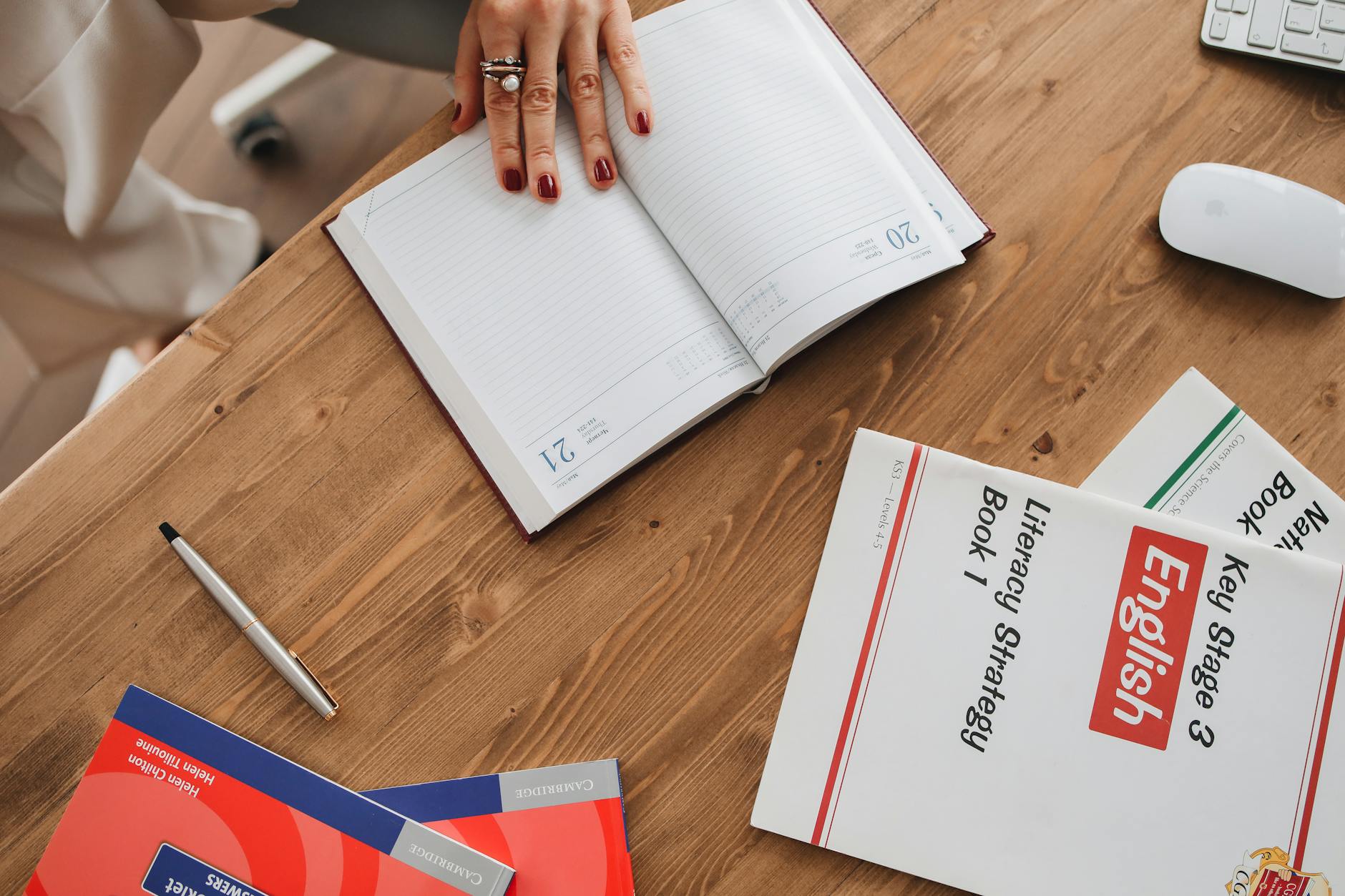
A few practical companions close the loop on this workflow. A good lesson-planner notebook keeps the analog skeleton AI can’t replace, the at-a-glance week view that nudges you when you’ve drifted off pacing. A USB microphone for recording your own listening tracks beats AI-generated voices for accent variety; learners need exposure to more than one polished American accent. A laser printer at home saves you the daily school photocopy queue. These small upgrades multiply the time savings AI delivers.
An Honest Take on What AI Can and Can’t Do
AI will not replace the part of teaching that matters: the read of the room, the moment you abandon your plan because two students just lit up about a different topic, the quiet encouragement you give the struggler. It will absorb the grunt work that drains you before you ever set foot in the classroom. That tradeoff is worth taking, and the teachers who take it earliest will simply have more energy left for the actual teaching.
Start Small This Week
Pick one item type, say MCQs for next week’s vocabulary quiz, and run it through the workflow. If you save 20 minutes, expand to cloze the following week. Within a month you’ll have your own one-hour-a-week rhythm. The teachers who adopt this now are the ones who will be writing their next syllabus on a Saturday afternoon instead of a Sunday night.
Vyanzo
- Council of Europe, CEFR descriptors: https://www.coe.int/
- Cambridge Assessment English: https://www.cambridgeenglish.org/
- British Council Teaching English: https://www.britishcouncil.org/
- TESOL International Association: https://www.tesol.org/
- ESL teacher lesson planners on Amazon: https://www.amazon.com/s?k=esl+teacher+lesson+planner
Looking for free ESL worksheets? Browse our full collection — printable resources for every level and age group. Browse Free Worksheets →
Students can access free worksheets and reading materials at 18KEnglish.com.








 SW
SW  EN
EN  ZH
ZH  ZH_CN
ZH_CN  KO
KO  VI
VI  FR
FR  AR
AR  ES
ES  HI
HI  PT
PT  BN
BN  RU
RU  JA
JA  TR
TR  DE
DE  IT
IT  PL
PL  ID
ID  TH
TH  FA
FA  UK
UK  TL
TL  HE
HE  UR
UR  RO
RO  NL
NL  MS
MS  TA
TA  PS
PS  HU
HU  EL
EL  SV
SV  NB
NB  NN
NN  DA
DA  CS
CS  SR
SR  AM
AM