
How to Write ESL Tests and Curriculum With AI: A Teacher’s Workflow
Teachers spend hours every week writing quizzes, drafting unit plans, and aligning assessments to objectives. AI tools can absorb a lot of that labor — but only if you treat them as a collaborator, not a vending machine. This guide walks through a workflow for using AI to design ESL curriculum and write tests that actually measure what students know, with the prompts, guardrails, and editing passes that turn raw AI output into classroom-ready material.

Why AI Belongs in Your Test and Curriculum Workflow
The hardest part of test design is not writing questions. It is making sure each question maps to a learning objective, sits at the right level of difficulty, and avoids cultural or linguistic bias that would penalize learners for reasons unrelated to their English. Curriculum planning has the same trap: it is easy to pile content into a syllabus and harder to sequence it so each week builds on the last. AI handles the mechanical work — generating distractors, producing reading passages at a target level, suggesting weekly themes — so you can spend your time on the parts that require teaching judgment: deciding what matters, reviewing for accuracy, and adapting to your specific learners.
Three caveats before we go further. First, AI will hallucinate. It invents grammar rules, cites textbooks that do not exist, and writes passages with subtle factual errors. Second, AI defaults to American English unless you tell it otherwise. If you teach IELTS or work in a Commonwealth context, specify British spelling and conventions in every prompt. Third, the output is always a draft. Plan for a 20 to 30 percent revision pass on everything the AI produces.
Setting Up the Foundation Before You Prompt
Before you open a chat window, write down three things on paper: your learner profile, your CEFR target level, and the assessment framework you are aligning to. Without these the AI has to guess, and it will guess toward the median — usually too easy for advanced learners and too hard for beginners.

A learner profile takes two minutes. Note the first language of your students, their age range, why they are studying English, and what their typical errors look like. The CEFR target gives the AI a calibration anchor: A2 means short concrete sentences and high-frequency vocabulary; B2 means abstract topics and complex sentence structures; C1 means nuance and idiom. The framework — TOEIC, IELTS, Cambridge, or your school’s internal standards — determines the question types and scoring conventions.
Paste this context block at the start of every chat. AI tools have short memories within a session and zero memory between sessions. A reusable context block saves you from re-explaining your classroom every time you sit down to draft.
Building a Curriculum Map With AI
Start at the macro level. Give the AI your course length, contact hours per week, learner profile, and the major skills you need to cover. Ask it to propose a week-by-week theme map with a focus skill, a grammar target, and a vocabulary cluster for each week. You will get a workable skeleton in about thirty seconds.

The skeleton is where your judgment kicks in. AI tends to over-pack early weeks and leave later weeks vague. It also defaults to topics that test well on standardized exams — travel, food, technology — and underweights what your specific learners actually need to talk about at work or in their daily lives. Move themes around. Replace anything generic with something tied to your students’ real context. If you teach adult professionals in Taiwan, swap shopping for negotiating with overseas suppliers. If you teach university freshmen, swap transportation for navigating campus services in English.
Once the macro map feels right, drop down to weekly lesson sequences. Ask the AI to break each week into four or five lessons with a warm-up, presentation, controlled practice, freer practice, and an exit ticket. Give it the theme, grammar, and vocabulary from your map. The output is usable as scaffolding even when individual activities need rewriting before you walk into class.
Writing Tests That Actually Measure Learning
A good test does three things: it samples the construct you taught, it discriminates between students who learned the material and students who did not, and it gives you diagnostic information about where instruction needs to improve. AI can help with all three if you prompt for them explicitly. Without that framing, the AI defaults to surface-level recall and you end up with a quiz that everyone passes but nobody learns from.
Receptive Skills
For reading and listening, generate a target passage at your chosen CEFR level, then ask the AI to produce six to ten comprehension items spanning literal recall, inference, vocabulary in context, and main idea. Specify the cognitive load you want — too many gist questions and you miss diagnostic detail, too many vocabulary items and the test becomes a glossary quiz.

When the AI produces multiple-choice items, demand strong distractors. A weak distractor is one that no student would seriously consider. Ask the AI to make each wrong answer plausible to a learner who has a specific gap — one distractor reflecting a common L1 transfer error, one reflecting a misunderstanding of the main idea, one reflecting a misread of the question stem. This forces the test to discriminate rather than reward guessing.
Productive Skills
Writing and speaking tasks need rubrics more than they need clever prompts. Give the AI your CEFR descriptors and ask it to generate a four-band analytic rubric covering task achievement, coherence, vocabulary range, and grammatical accuracy. Then ask it to produce three sample student responses — one strong, one mid-range, one weak — annotated against the rubric. These samples are gold for moderation meetings and for teaching students what good writing looks like.
For speaking, ask the AI to generate prompts that elicit specific structures. If your unit covered past simple narration, you want a prompt that pulls past tense out of every student — something like Tell me about a time you had to solve a problem at work rather than the vague Talk about your job. The more your prompt constrains the form, the more reliably your rubric can judge it.
Calibrating Difficulty and Avoiding AI Pitfalls
AI consistently writes tests that are easier than the CEFR level you requested. It also clusters items at the same difficulty, which flattens your score distribution. After generating a draft test, run two calibration checks. First, paste the test back into the AI and ask it to estimate the CEFR level of each item independently. You will often find half the items drift below the target. Second, ask the AI to identify the easiest and hardest items and explain why; this surfaces the ones that need rewriting.

Watch for cultural baggage. AI training data is dominated by American and Western European references. A reading passage about Thanksgiving or a listening clip about baseball will penalize learners who have no exposure to those domains. Either swap the topic or front-load the cultural knowledge through pre-reading. The same goes for proper nouns: an AI-generated test full of names like Jennifer and Michael creates an extra decoding load for learners working in their second language.
Audit for factual errors aggressively. If the AI writes a reading passage about a real place, person, or event, check it. If it generates a fact-based listening script, check it. Hallucinations in test materials destroy the validity of the assessment and your credibility with students. The faster the AI produces content, the lazier the human review tends to become — fight that drift.
A Sample Workflow From Syllabus to Test Day
Here is a workflow that fits in roughly one focused afternoon for a six-week intensive unit. In the first hour, define the learner profile, CEFR target, and unit objectives, then get the AI to propose a six-week theme map and edit it down. In the second hour, for each week, generate the lesson sequence and identify the formative assessment point. In the third hour, write the summative assessment — generate the reading and listening passages, the writing and speaking prompts, and the rubric. In the fourth hour, run a calibration pass: have the AI critique its own test against your CEFR target and rewrite the soft items.

Pair this with a weekly maintenance ritual. Twenty minutes every Friday, review what worked and what flopped in the week’s lessons. Feed that back into the next week’s prompts so the AI can refine activities for the specific class. Over a term this loop produces a customized library of materials that a fresh AI session could never generate on day one. The compounding is the point — your prompts get sharper as your class gets more familiar.
Iterating: Treating AI Output as a First Draft
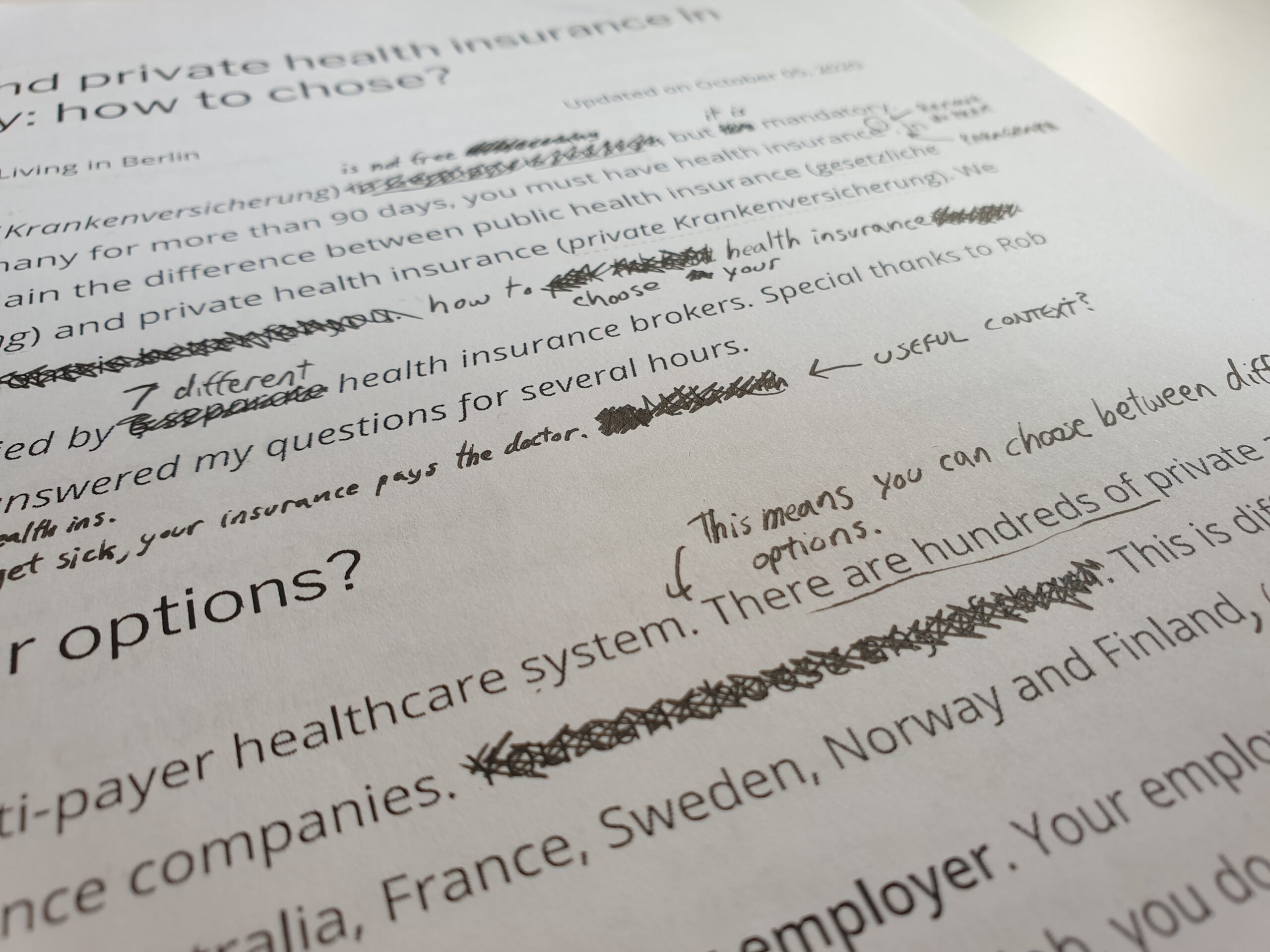
The biggest mistake teachers make with AI is treating the first output as the deliverable. The second mistake is rewriting everything by hand instead of pushing back on the AI. If a comprehension question is weak, do not just delete it — tell the AI what is wrong and ask for three alternatives. If a writing prompt is bland, ask the AI to make it more contextually relevant to your learners. Each iteration costs you a sentence of typing and saves you twenty minutes of redrafting.
Keep a running file of prompts that worked. After a term you will have a personal prompt library that turns a four-hour curriculum planning session into a ninety-minute one. The teachers who get the most out of AI are not the ones with the cleverest single prompts. They are the ones who treat the tool like a junior collaborator: brief it well, edit its work, and feed back the lessons learned. Done consistently, that loop is what separates a teacher who saves five hours a week from a teacher who saves none.






 UK
UK  EN
EN  ZH
ZH  ZH_CN
ZH_CN  KO
KO  VI
VI  FR
FR  AR
AR  ES
ES  HI
HI  PT
PT  BN
BN  RU
RU  JA
JA  TR
TR  DE
DE  IT
IT  PL
PL  ID
ID  TH
TH  FA
FA  TL
TL  HE
HE  UR
UR  SW
SW  RO
RO  NL
NL  MS
MS  TA
TA  PS
PS  HU
HU  EL
EL  SV
SV  NB
NB  NN
NN  DA
DA  CS
CS  SR
SR  AM
AM